User Guide
Simple controls, powerful results. Here's exactly how to navigate your WristUp bracelet.
Controls
Display Labels
| Label | What it means |
|---|---|
| STEP | Approximate step count throughout the day |
| CALO | Estimated calories burned, calculated from your steps |
| AL | Alarm — hold to set up to 8 alarms |
| CDN | Countdown timer |
| COUN | Stopwatch / count-up timer |
| H OFF/ON | Auto-display — wrist raise lights up the screen automatically |
| SLEEP | Sleep quality — wear day and night for accurate tracking |
WristUp
Wellness tip 01
Tap to reveal
Don't wear the bracelet too tight against your wrist. Going one size up allows proper blood flow, reduces discomfort during sleep, and the premium strap will still sit perfectly and securely throughout the night.
Wellness tip 02
Tap to reveal
LED screens suppress melatonin production — the hormone your brain needs to fall asleep and stay asleep. Without your phone in the room, your eyes absorb less artificial light, your brain winds down naturally, and your sleep quality improves significantly.
Collection

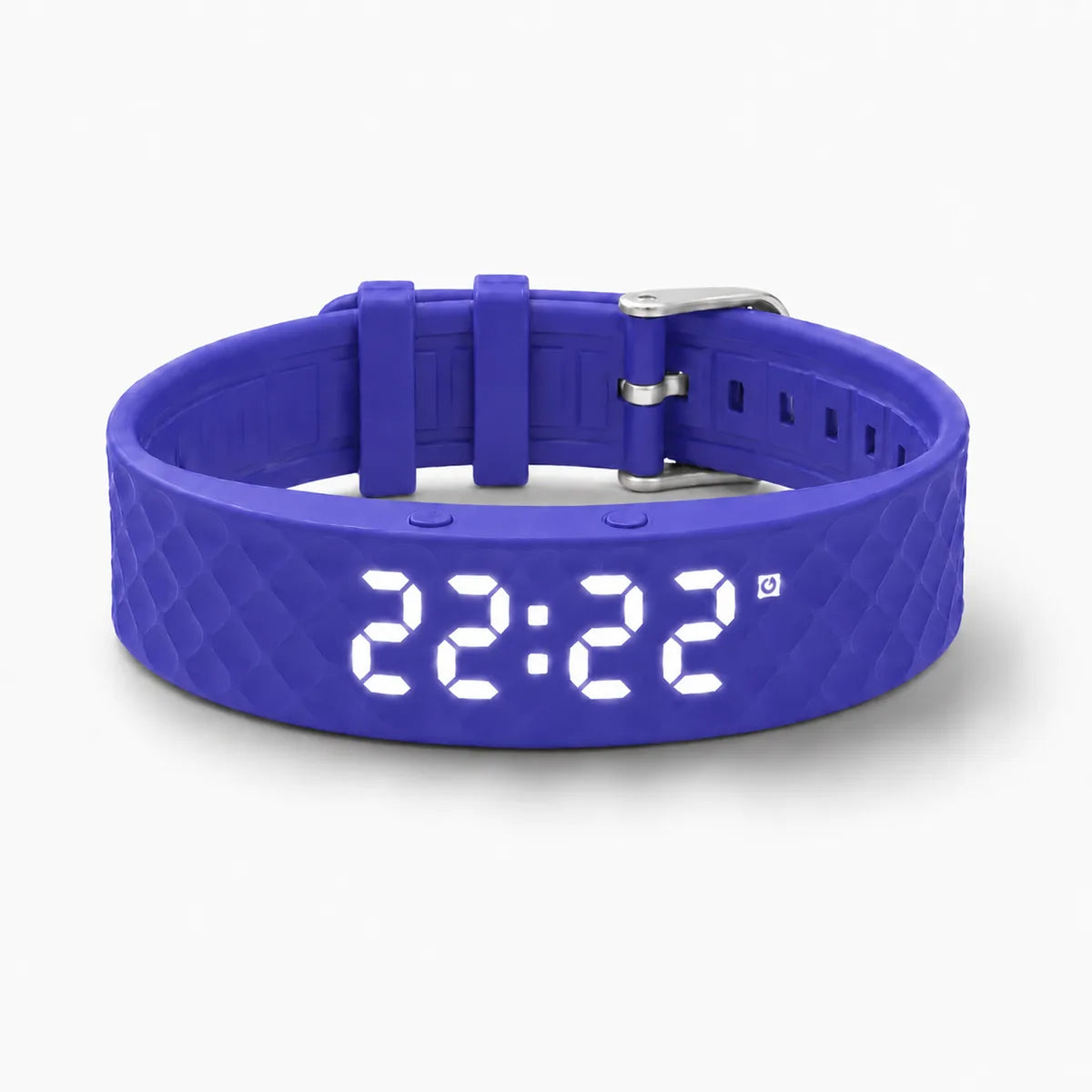
Blue

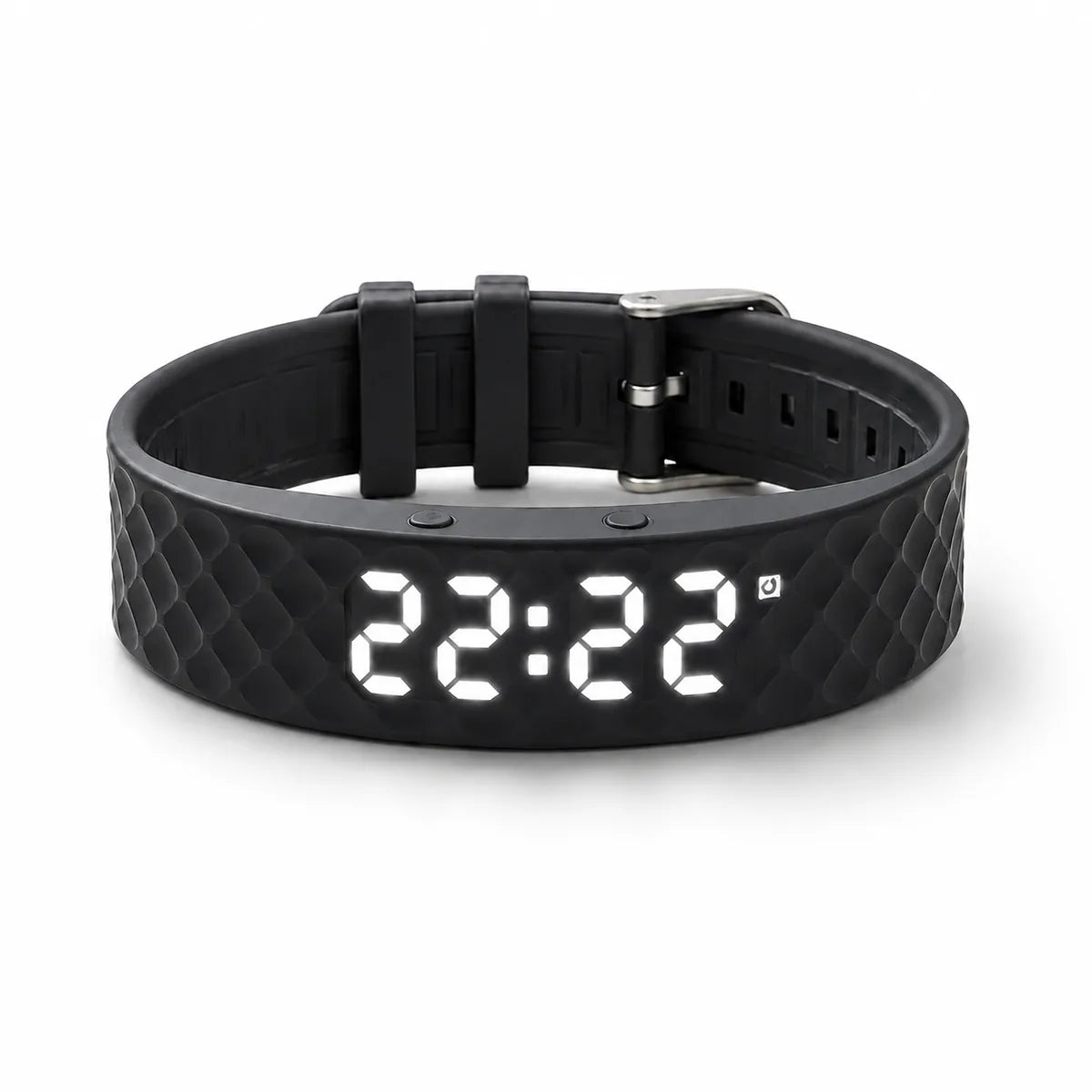
Black

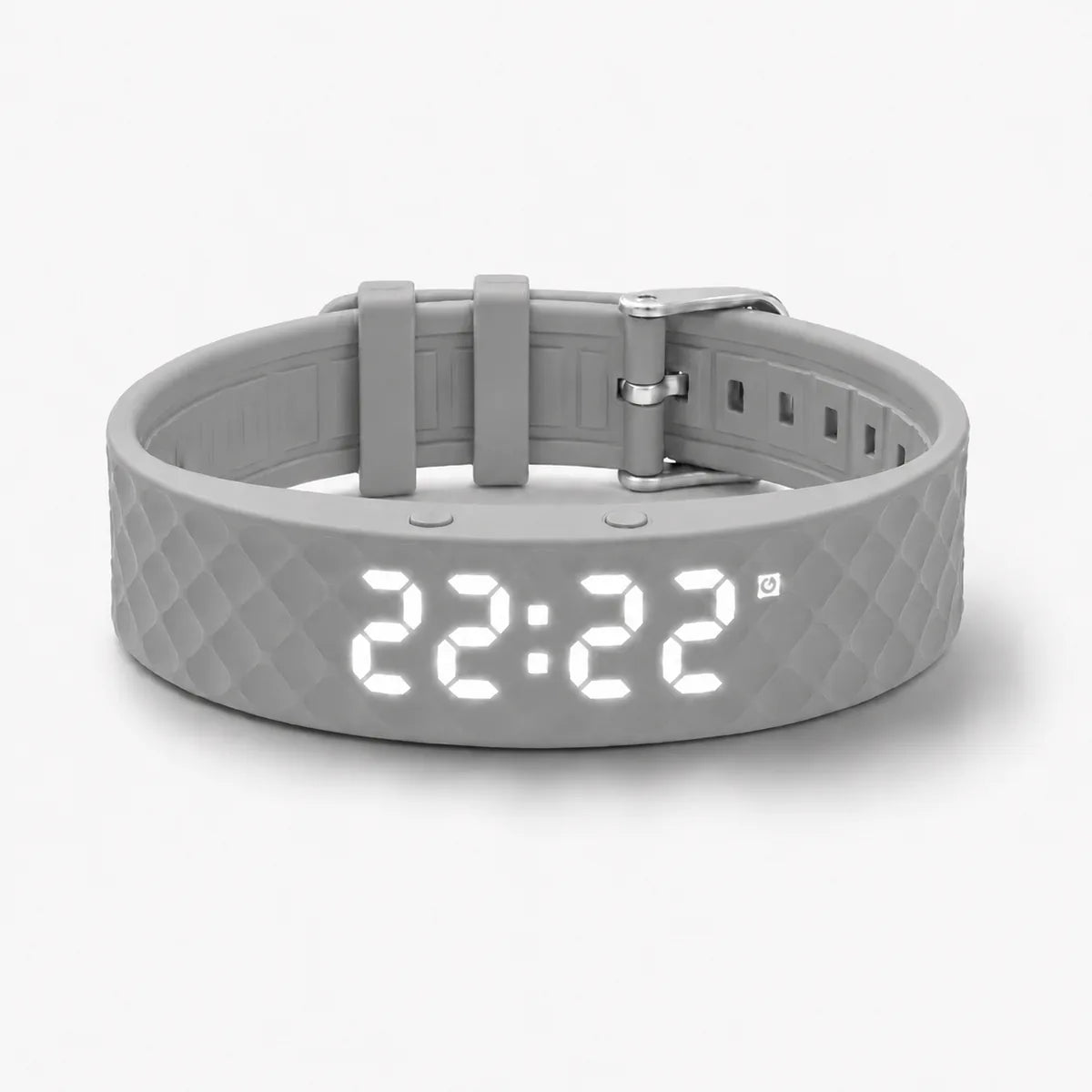
Silver Gray

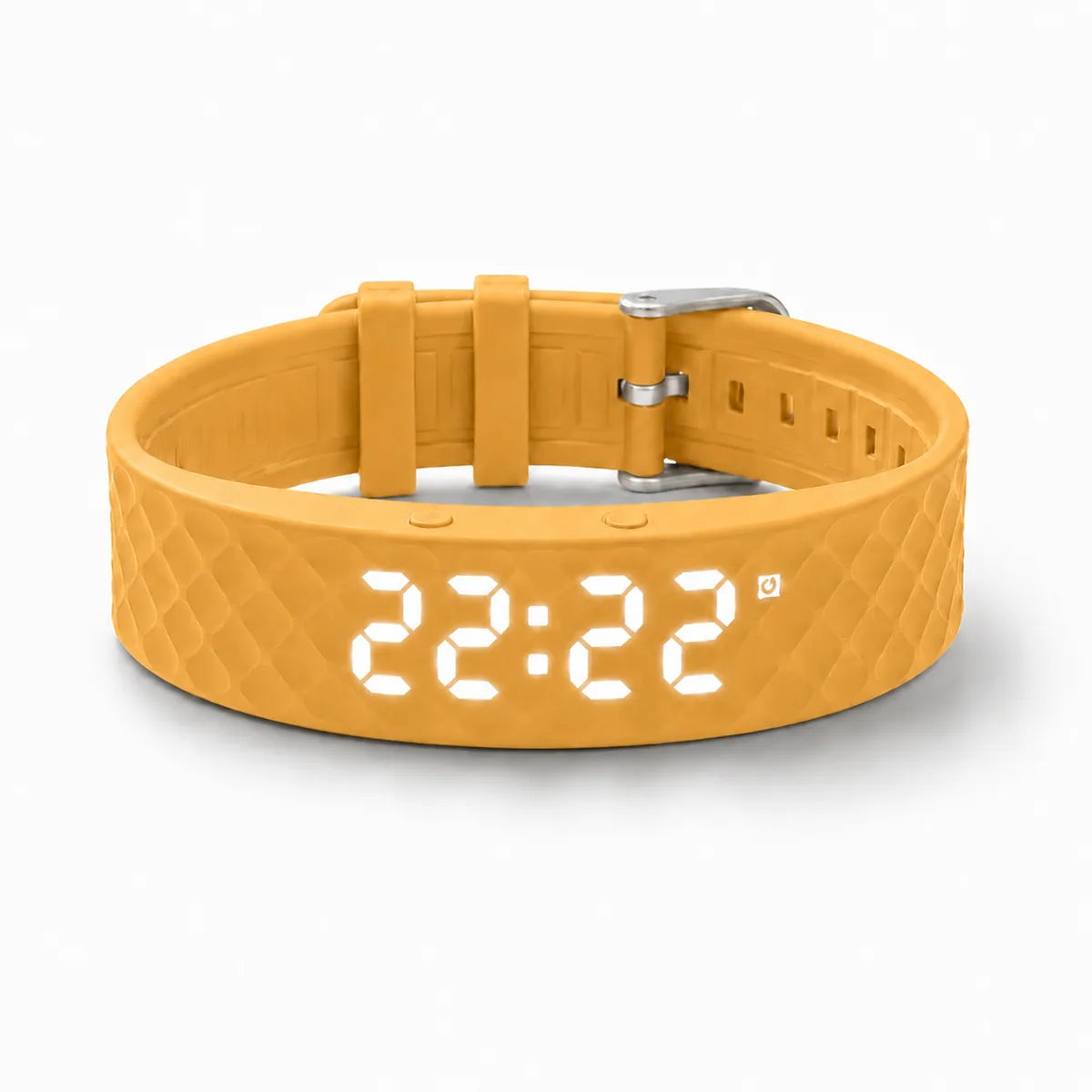
Earthy Yellow
Questions?
Try tightening the bracelet slightly so it sits snugly against your wrist. The vibration is most effective with close contact with skin. If the issue persists, contact us at wristup@proton.me — you're covered by our 100-day guarantee.
The vibration cycles through three intensity levels over approximately 10 minutes, getting stronger with each cycle until you acknowledge it by pressing the button.
Yes. A short press during the alarm activates a 5-minute snooze. A long press turns the alarm off completely for that morning.
The bracelet cycles between showing the current time, your step count, and your body temperature. This is normal behaviour — the display rotates every few seconds automatically.
You have 100 days to decide. If WristUp isn't right for you, contact us at wristup@proton.me for a full refund. No questions, no hassle.